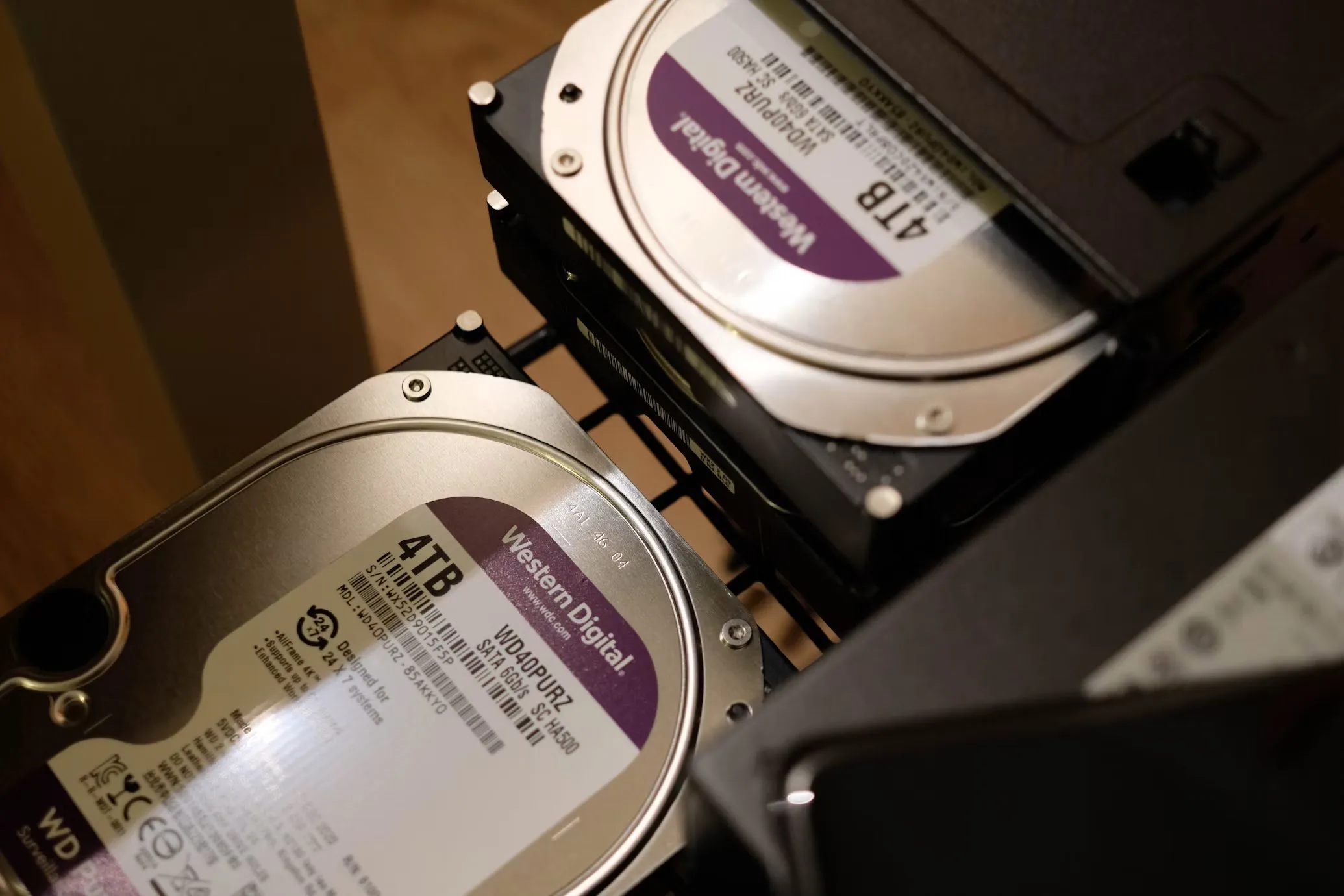
Quick answer: WD Purple, Red and enterprise drives are separated by workload rating and firmware, not the 24/7 label: Purple (180 TB/yr, AllFrame) fits surveillance NVRs, Red Plus (180 TB/yr, CMR, TLER) covers NAS up to 8 bays, Red Pro (300 TB/yr) up to 24 bays, and Ultrastar DC / WD Gold (550 TB/yr, 2.5M-hour MTBF) suit dense production servers.
All three WD families claim "designed for 24/7 operation." That phrase is true for each of them — and almost useless for choosing between them. What actually separates a surveillance drive from a NAS drive from an enterprise drive is the workload rating, the firmware, and how the drive behaves when something goes wrong inside a RAID array.
Buy one tier too low and you get rebuild storms and premature RMA. Buy one tier too high and you overspend by 30–50% per bay. Here is how to match the drive to the workload.
What "rated for 24/7" actually means
The single most important number on the datasheet is the workload rating, measured in TB written per year:
- 180 TB/yr — entry 24/7 duty (WD Purple, WD Red Plus)
- 300 TB/yr — heavy NAS duty (WD Red Pro)
- 550 TB/yr — enterprise duty (Ultrastar DC, WD Gold, Purple Pro)
Compare that to your real write volume. A 16-camera 4K NVR writes roughly 100–150 TB per year. A file-serving NAS under constant rebuild pressure can push past 300 TB. If your workload exceeds the rating, warranty claims get difficult and failure rates climb steeply in year two.
The second line to check is error-recovery firmware — TLER/ERC. It tells the drive to give up on a bad sector in seconds instead of retrying for minutes, so the RAID controller handles the error instead of dropping the disk from the array. This one feature decides whether a drive belongs in a RAID chassis at all. The other half of that decision is the controller itself — cache-protected RAID versus raw IT-mode passthrough — which our RAID vs HBA selection guide covers card by card.
WD Purple: built for surveillance, not servers
Purple runs AllFrame firmware, tuned for dozens of simultaneous sequential write streams — exactly what an NVR produces. It supports up to 64 cameras, uses CMR recording across the line, carries a 180 TB/yr rating and a 3-year warranty. Purple Pro raises this to 550 TB/yr, 5-year warranty, and support for AI analytics streams.
Where it wins: DVR/NVR boxes, write-dominant video archives. Where it does not: general-purpose NAS with heavy random reads, or large RAID sets that rebuild often.
WD Red, Red Plus, Red Pro: the NAS tiers
Red runs NASware firmware with TLER, so it behaves correctly inside a RAID. But the tiers differ sharply:
- Red (plain): 2–6 TB models use SMR recording. Fine for single-drive backups, notorious for stalling RAID rebuilds — avoid for arrays.
- Red Plus: all CMR, 180 TB/yr, 3-year warranty, rated up to 8 bays. The safe default for home and SMB NAS.
- Red Pro: CMR, 300 TB/yr, 5-year warranty, rotation-vibration sensors, up to 24 bays. The choice when the chassis gets dense and rebuilds are routine.
Quick check on part numbers: EFAX suffix means SMR, EFRX/EFBX means CMR. Confirm before you order a carton.
Enterprise: Ultrastar DC and WD Gold
This tier is engineered for the environment, not just the duty cycle: helium-sealed platters, rotational-vibration sensors in every direction, 550 TB/yr workload rating, 2.5M-hour MTBF and 5-year warranty. These drives are built to survive 20+ bay chassis where forty neighbors are hammering away around the clock.
The price premium over Red Pro is real — typically 20–40% — but so is the math: in a 24-bay production server, one premature failure costs more in rebuild risk and downtime than the premium on the whole array.
Pulled enterprise drives: the four SMART lines that matter
Enterprise drives trade heavily on the secondary market, and a pulled Ultrastar or Exos can be excellent value — if the numbers are disclosed. Four SMART lines decide the grade:
- Power_On_Hours: the drive's age in real terms. Under roughly 40,000 hours (about 4.5 years of 24/7) is the comfort zone for production; beyond that, price it as spare-pool stock.
- Reallocated_Sector_Ct: any nonzero value means the drive has already started hiding failures. Walk away.
- Current_Pending_Sector: sectors waiting to be reallocated — the drive is failing now. Nonzero is a rejection, not a negotiation.
- UDMA_CRC_Error_Count: a handful usually means a bad cable or backplane lane, not the drive; read errors elsewhere in the log are the drive.
Ask for the smartctl -a output per drive, not a batch-level promise — the same recorded-data-first discipline we apply to GPU batches.
Side by side
| Spec | Purple | Red Plus | Red Pro | Enterprise (Ultrastar / Gold) |
|---|---|---|---|---|
| Workload rating | 180 TB/yr (Pro: 550) | 180 TB/yr | 300 TB/yr | 550 TB/yr |
| Warranty | 3 yr (Pro: 5) | 3 yr | 5 yr | 5 yr |
| Recording | CMR | CMR | CMR | CMR (helium) |
| RAID error recovery | No (stream-optimized) | Yes | Yes + RV sensors | Yes + RV sensors |
| Rated bay count | NVR focus (Pro: 16+) | up to 8 | up to 24 | unlimited |
| Best for | DVR / NVR video | NAS up to 8 bays | dense NAS | servers, data centres |