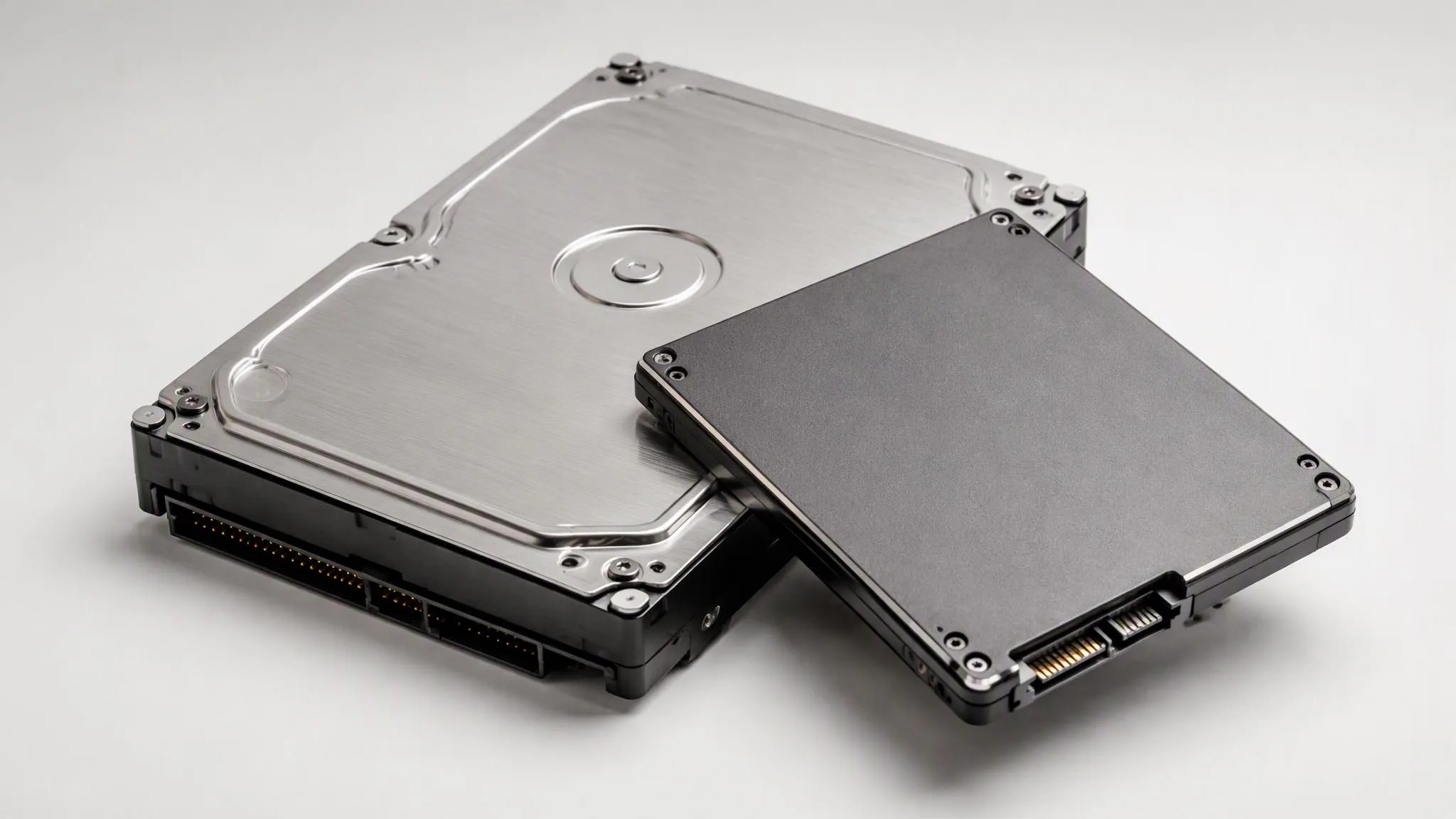
How to choose enterprise SSDs and SAS HDDs
Pick endurance before capacity. Read-intensive drives (around 1 DWPD) cover boot, streaming and archive; mixed-use (3 DWPD) suits general VM datastores; write-intensive (10 or more DWPD) belongs in logging, caching and Ceph journals. Sizing endurance down is the most expensive mistake in drive procurement — an over-worn SSD degrades silently long before it fails loudly.
Match the interface and form factor to the backplane: U.2 or E1.S NVMe for current platforms, 12 or 24 Gb/s SAS behind RAID controllers, SATA only where the backplane is SATA — SAS drives will not seat on SATA-only backplanes.
Sector format is the other hard constraint: 512e and 4Kn cannot share a vdev, and mixing them is one of the most common causes of array rebuild failures. State the format in your RFQ and we match it against your controller and existing drives.
For spinning disks: 10K/15K SAS serves legacy performance arrays, 7.2K nearline serves capacity tiers and archives. Surveillance or NAS drives have no place in a 24/7 enterprise array — the duty cycle and firmware are built for different work.
On used drives, the SMART data is the product: percentage used, power-on hours, reallocated counts. Buy the report, not the label — a seller who will not show SMART data before payment is telling you something.
WD Purple vs Red vs Enterprise: which drive for 24/7 workloads