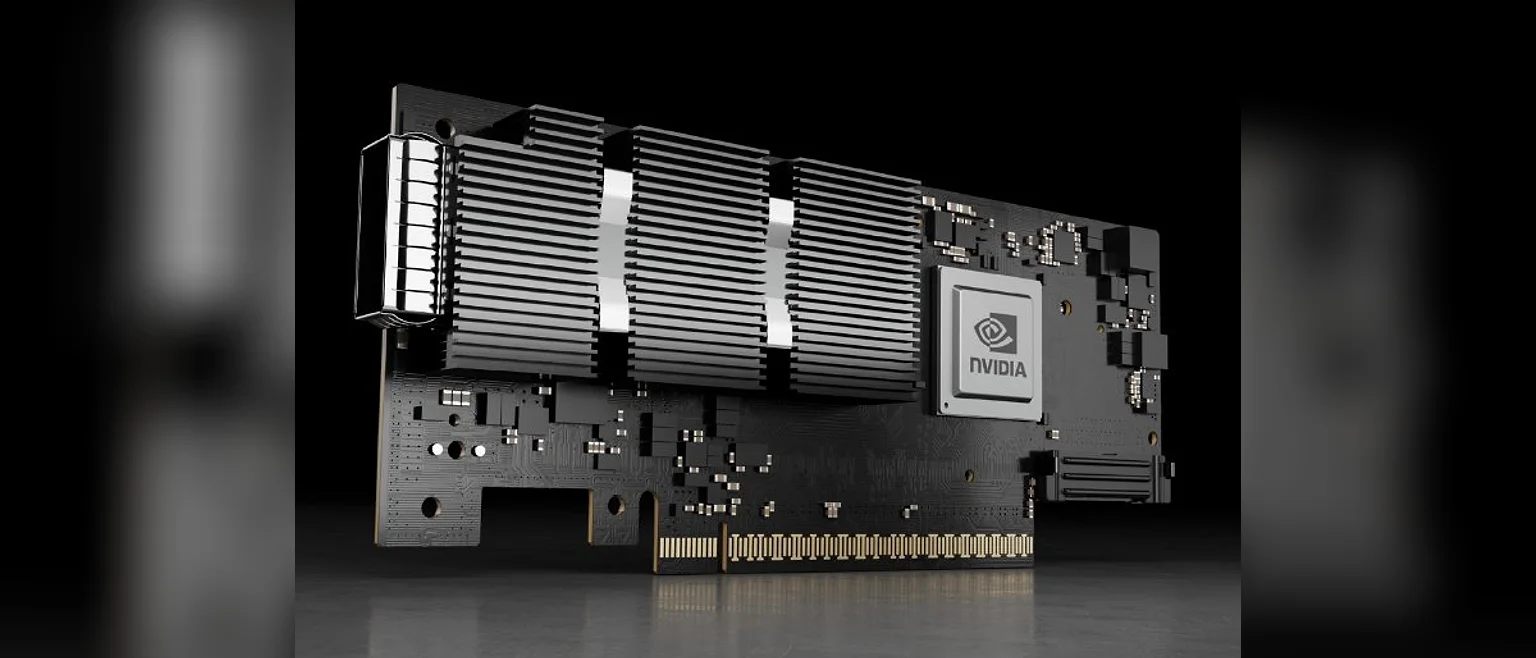
Quick answer: Choose the NIC family by the fabric you are growing into: ConnectX-6 Dx / ConnectX-7 for RoCEv2 at scale, GPUDirect RDMA and 200/400G east-west traffic; Intel E810 for mixed environments that need iWARP and RoCE in one part, strong virtualisation drivers and 25/100G density. Then match form factor (OCP 3.0 vs PCIe), slot generation (400G NDR needs PCIe 5.0 x16) and optics before comparing prices. On used stock, three checks decide the card: a loopback test at rated speed, unified firmware, and — on ConnectX — offload licence state.
A cluster BOM arrives with a line that just says "100G NIC × 32". The switches are Spectrum, the storage stack expects RoCE, the hypervisor team wants SR-IOV — and the purchase order goes out for whichever 100G card is cheapest that week. Six months later the fabric runs at 60% of expected bisection bandwidth and nobody can say why. NIC selection is a fabric decision, not a component decision, and the wrong family is expensive in ways that never show on the invoice.
1. Size for the fabric, not the server
Start with where the traffic actually flows:
- 10/25 GbE — general compute, management, and north-south traffic. Cheap, deep supply, and the right answer for most non-AI nodes.
- 100/200 GbE with RoCE v2 — AI and HPC east-west traffic, disaggregated storage, NVMe-oF. This is where the family choice becomes binding.
- 400G NDR — training-fabric spine connections and GPU-dense nodes; it needs a PCIe 5.0 x16 host slot to reach line rate and trains down in a Gen4 slot.
The rule that saves the most money: buy one generation ahead of your switches, not two. A 400G card behind 200G switches is stranded silicon; a 100G card on a 200G migration plan is a forklift you scheduled yourself.
2. RoCE v2 vs iWARP: the protocol decides the family
RDMA over Ethernet comes in two dialects, and they are not interchangeable inside one fabric:
- RoCE v2 runs over UDP and assumes a well-configured, mostly lossless fabric — PFC and ECN on the switches, DCQCN on the hosts. It dominates AI and HPC clusters because NVIDIA's ConnectX line and Spectrum switches were built around it, and because GPUDirect RDMA — NIC-to-GPU memory without the CPU — lives on the ConnectX side.
- iWARP rides on TCP and tolerates ordinary, lossy networks without switch surgery. It trades a little latency for a much wider deployment envelope.
ConnectX-5 and later speak RoCE v2. Intel E810 speaks both iWARP and RoCE v2. If your organisation already runs either dialect at the switch layer, the NIC family is decided for you; buying against the fabric means reconfiguring the network, not the card. For a greenfield AI cluster, the path of least resistance is ConnectX plus an RoCE-capable spine; for a mixed VMware-and-storage estate that cannot justify a lossless fabric, E810's dual personality is the whole argument.
3. The families side by side
| Card | Ports | Host slot | Protocols | Standout feature | Typical role |
|---|---|---|---|---|---|
| ConnectX-6 Dx | 2× 100G QSFP56 | PCIe 4.0 x16 | RoCE v2 | ASAP2 offload, GPUDirect RDMA | AI inference, NVMe-oF, overlay offload |
| ConnectX-6 HDR | 200G HDR / 200GbE | PCIe 4.0 x16 | RoCE v2 / IB | Workhorse 200G east-west | Training fabrics, storage backbone |
| ConnectX-7 | 400G NDR / 400GbE | PCIe 5.0 x16 | RoCE v2 / IB | Line rate needs Gen5 | GPU-dense nodes, spine uplinks |
| Intel E810-CQDA2 | 2× 100G QSFP28 | PCIe 4.0 x16 | iWARP + RoCE v2 | Dual RDMA personality, ADQ | Mixed virtualisation + storage |
| Intel E810-XXVDA4 | 4× 25G SFP28 | PCIe 4.0 x8 | iWARP + RoCE v2 | Density per slot | General compute, HCI nodes |
Both families handle SR-IOV, PXE and iSCSI boot, so a mixed-grade BOM carries no compatibility penalty. The differences that move a purchase are offloads: ConnectX's ASAP2 and GPUDirect matter when the card feeds GPUs or heavy overlay networks — the same reasoning as our used AI GPU verification guide, one layer down the stack — while E810's driver maturity in VMware and Windows estates is the quieter win for virtualisation fleets.
4. Form factor and optics are the real checklist
- OCP 3.0 SFF and standard PCIe are not mechanically interchangeable. Confirm the cage or riser against your chassis before the quote, not after the delivery.
- Connector generations matter. QSFP56 ports accept QSFP28 optics at reduced rate — useful when migrating switch generations — but QSFP112 / OSFP on 400G parts is a new cage with new optics, not an upgrade path.
- DAC for in-rack, AOC for adjacent rows, transceivers beyond that. Mixing them without a plan is how fabrics end up with three spares of the wrong kind.
- Coded optics are the weak link in most bundles. Switch vendors lock ports to EEPROM coding; an uncoded or mis-coded optic passes link-up and then flaps under load. We kit matched, coded optics and pre-verify them with the card at rated speed for exactly this reason.
5. Buying used NICs: three checks decide the card
Adapters have no wear-out mechanics, so a verified pull is low-risk value — typically 30–50% below new. But "tested" on a listing usually means the link LED came on. Insist on:
- A loopback test at rated speed, with the result attached. Not negotiated link-up — full rate, sustained, per port. A 100G card that trains at 25G in the test has a damaged lane, a dirty optic seat or the wrong firmware, and none of those appear in a photo.
- Unified firmware per batch, and on ConnectX parts, verified offload licence state. Some ConnectX features are licence-gated at the firmware level; a used card without the licence your design assumes is a different product than the one on the BOM.
- Bracket height and optics kit documented. Low-profile and full-height brackets arrive mixed in recycled stock, and "card only" pricing quietly excludes the optics that make it usable. Compare kit to kit.
"A used NIC is not one product. It is a card, a licence state, a bracket and a set of optics — and most listings price only the first."
— Huazhe incoming-inspection procedure